How to mix paints
Mixing colors can be easier than you imagine. In this article I will show how to mix paints with the help of the DigitPaints Color Mixer. You can create a close match for most colors using just 5 basic colors.
What do I need
First things first - you need paint. In this article I will show acrylic paints as it’s one of the best options for painting by numbers but you can use gouache or any other paints. You will also need a palette for mixing, brushes and glass with a bit of water to clean brushes. Also prepare a small piece of paper for swatches.
For this article I will also use the DigitPaints Color Mixer to estimate the right proportions.
Preparation
Here is a paint by number template I want to color - just some pancakes I had for breakfast with DigitPaints you can convert any photo to beautiful paint by numbers, even your breakfast. You can create your own template in this generator. After generation of template I also received this palette with used colors.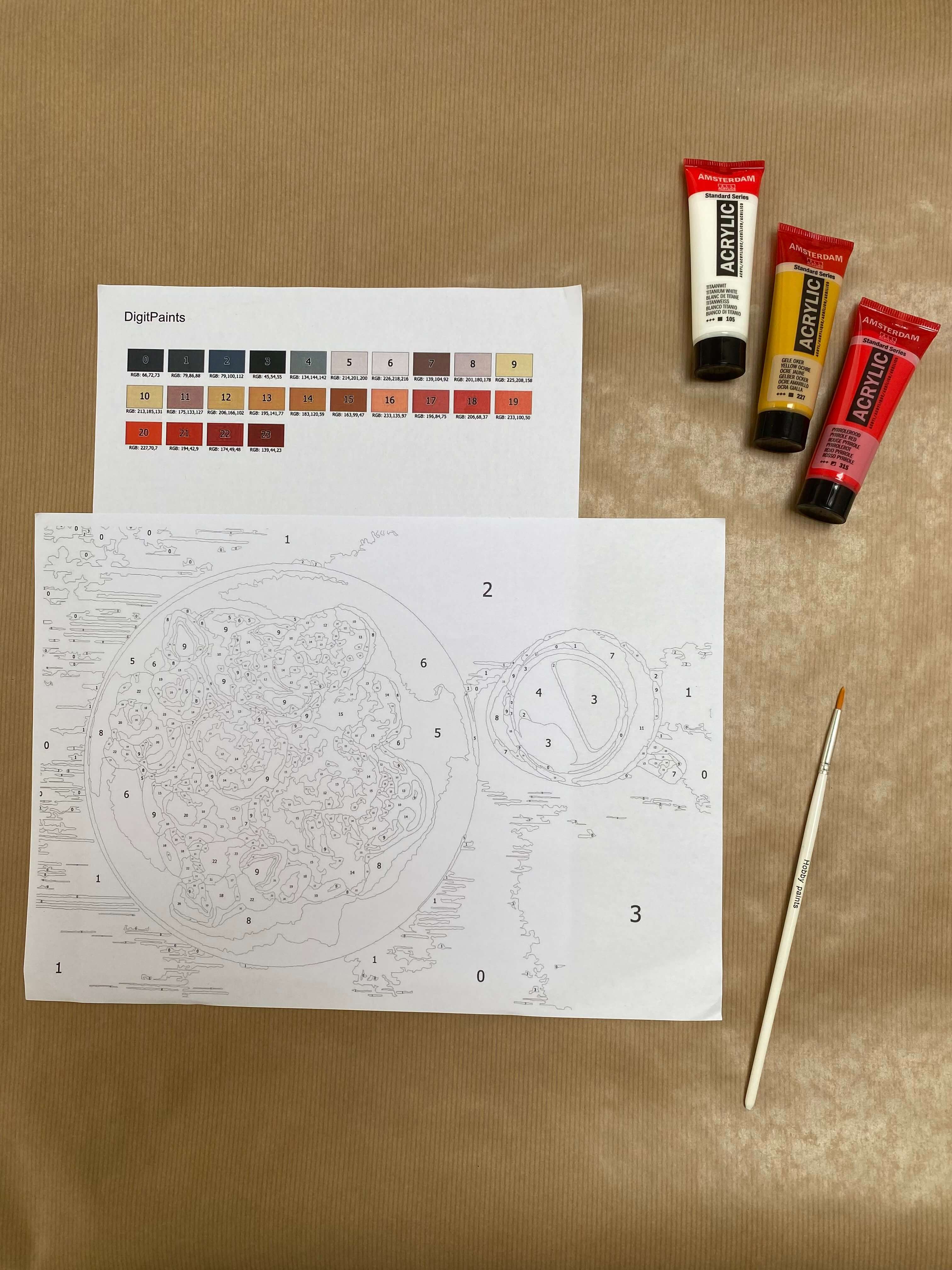
Now I want to start painting with color №20 - each color in the palette has an RGB number and we will use it.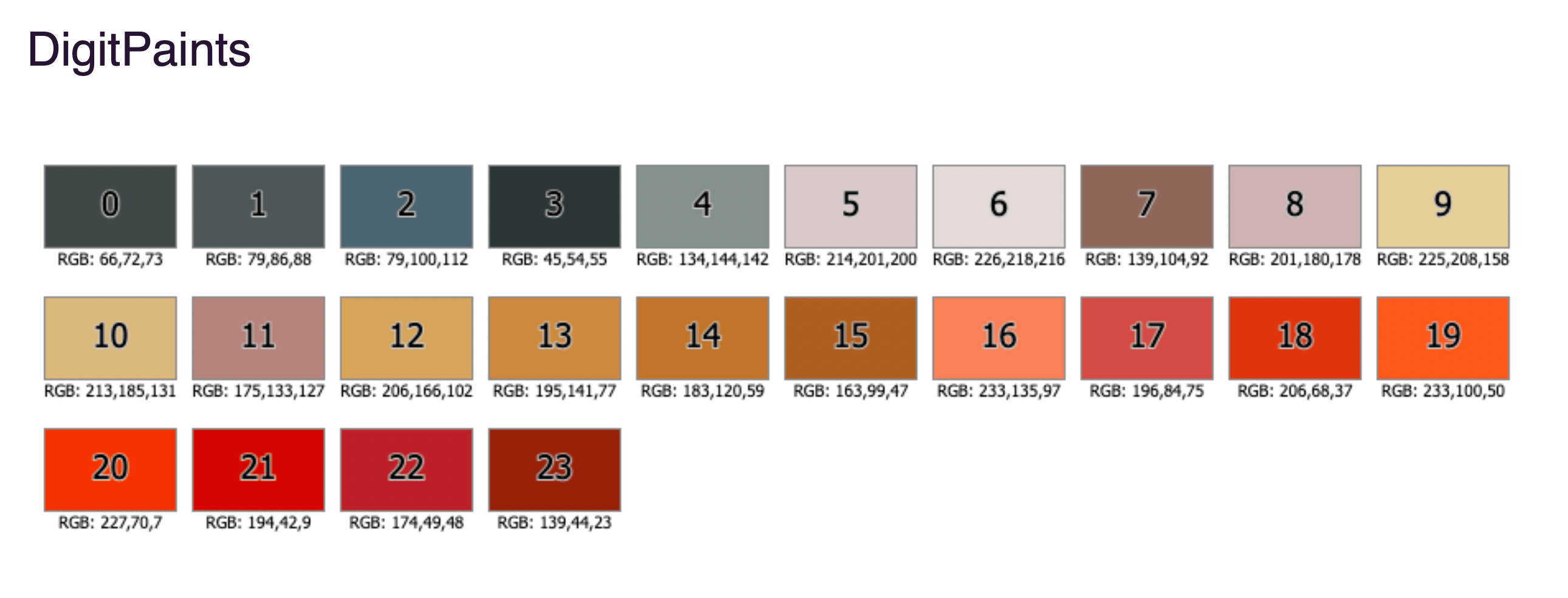
Getting ready with the DigitPaints Color Mixer
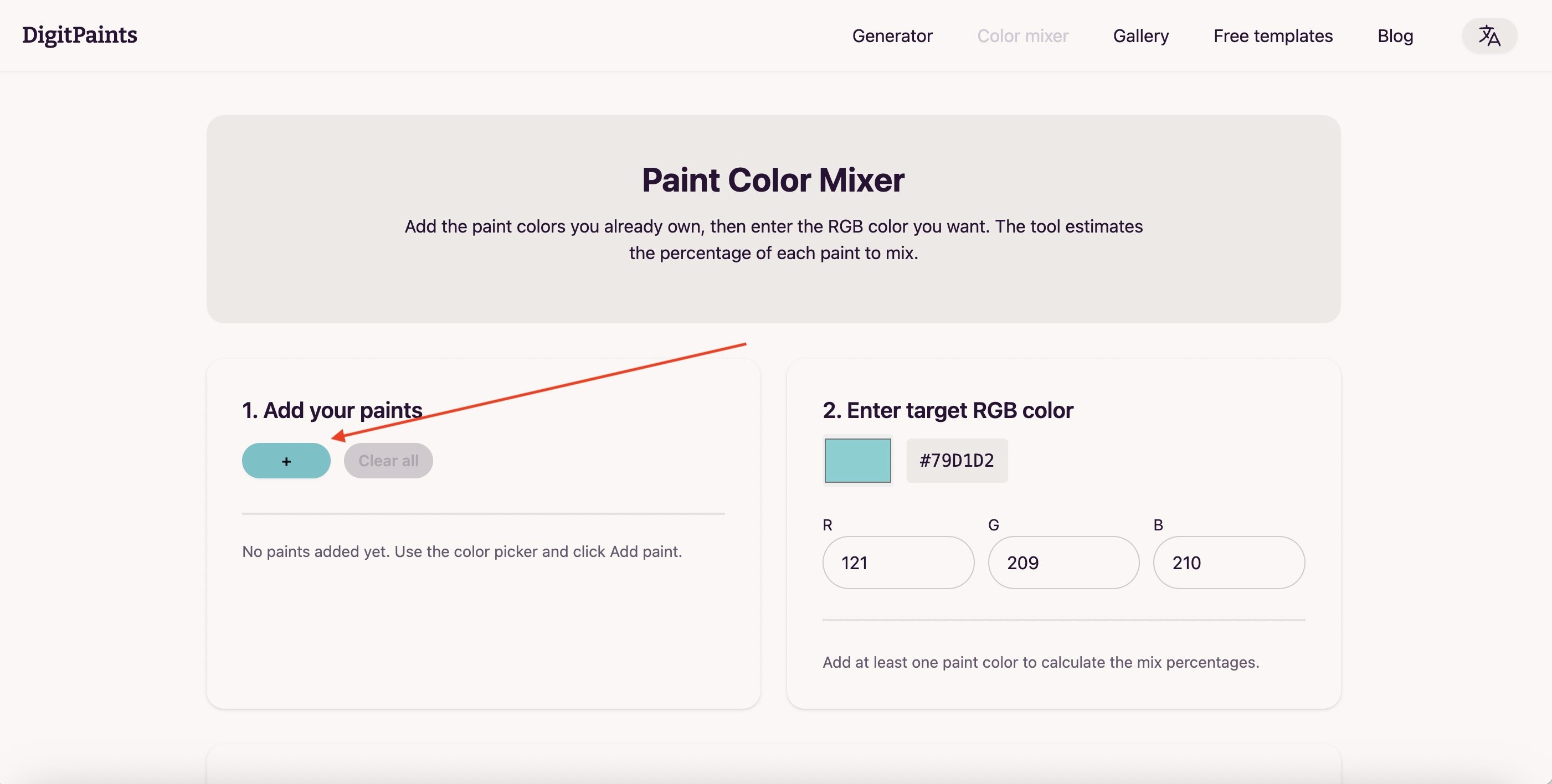
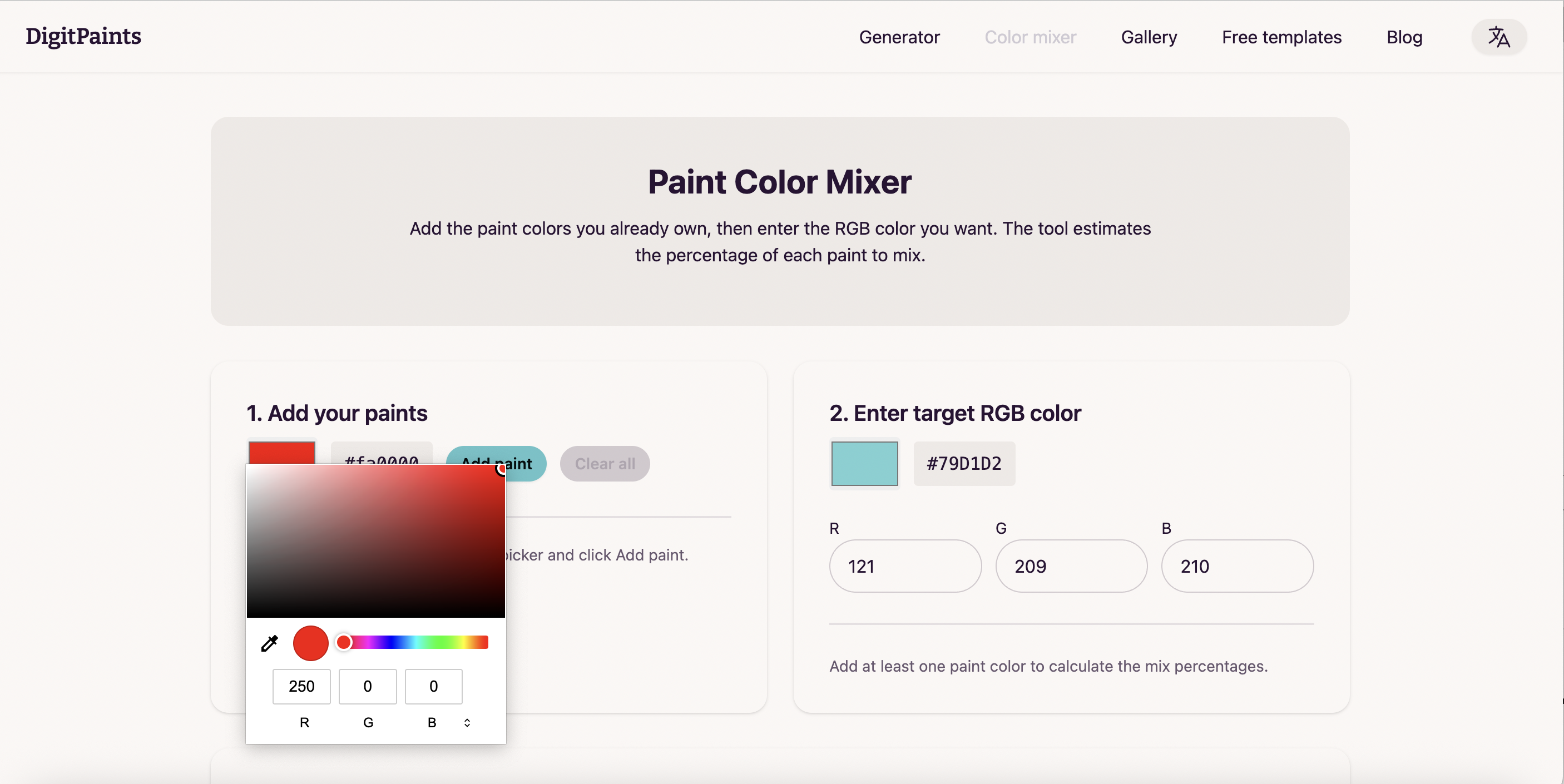
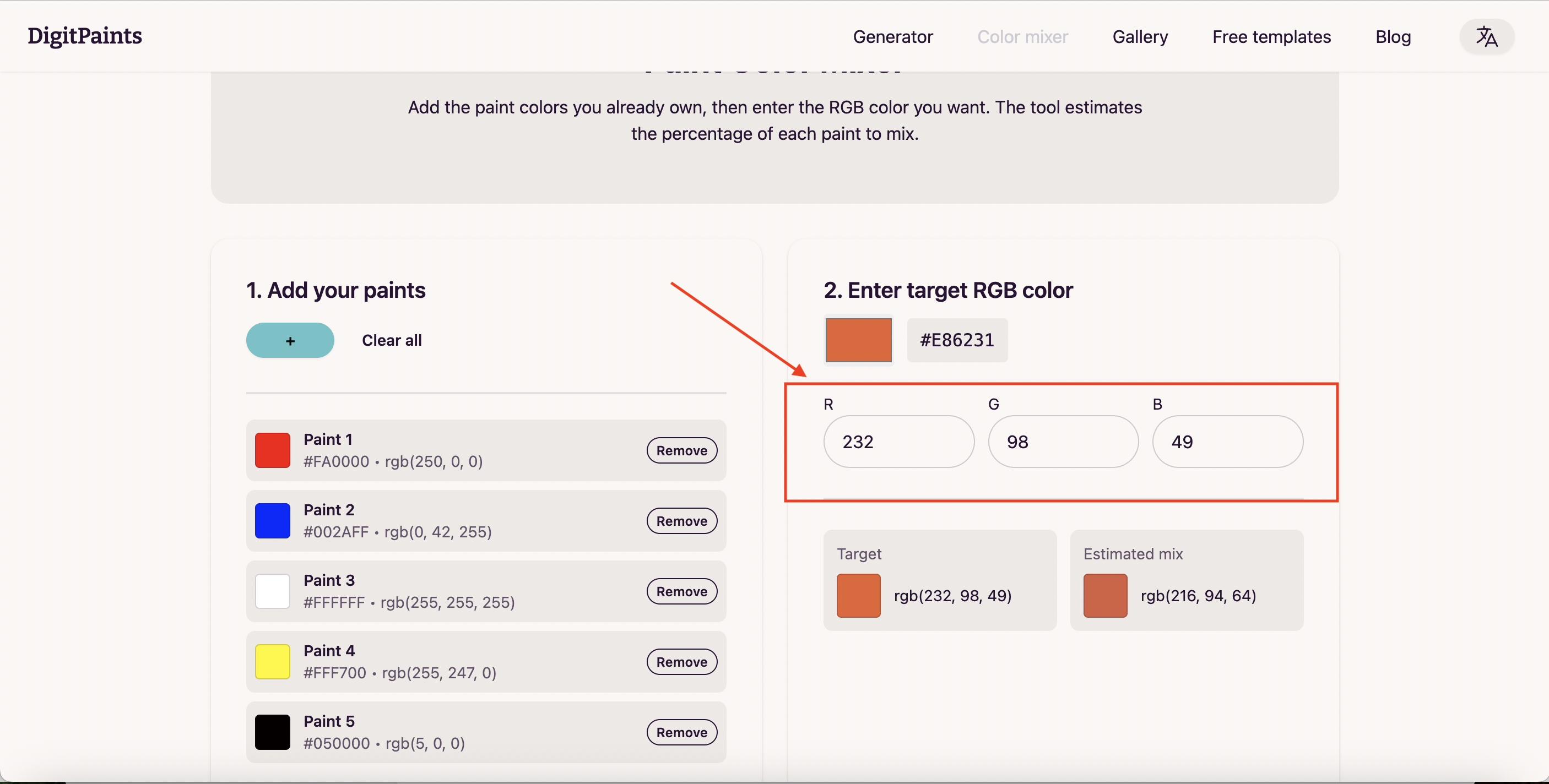
- Open the Color Mixer page. In the first section, add the paints you already have using the color picker and the Add paint button.
Add all the colors from your paint set, or start with the 5 basic colors: white, black, red, blue, and yellow. - Find the RGB code for the color you want to mix in your DigitPaints palette (for example:
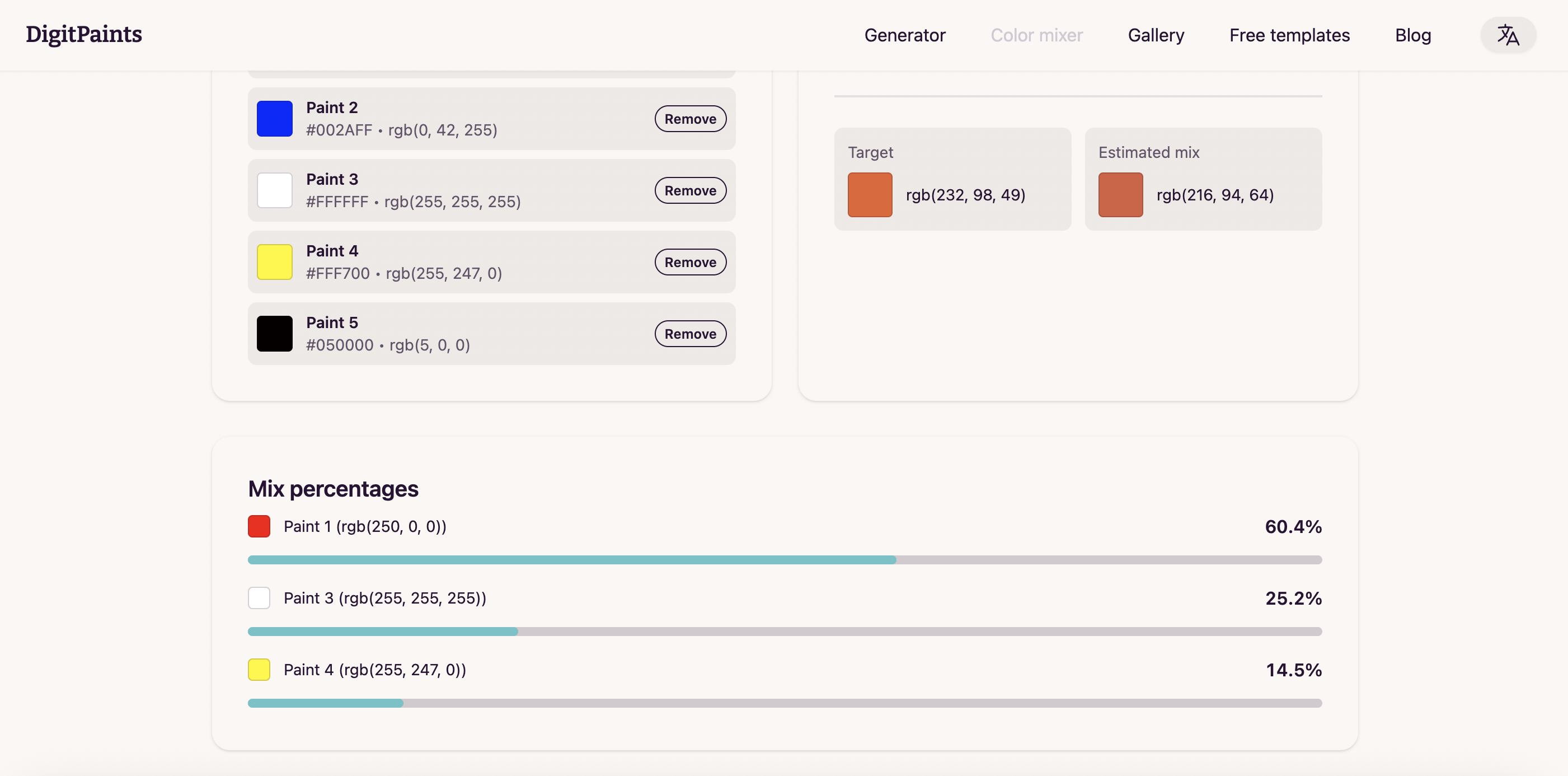
232, 98, 49). Enter that RGB value in the Color Mixer target inputs. - The tool will show an estimated mix and percentages for each paint. Use these percentages as a starting point. Real paints behave differently by brand, so small adjustments are normal.
Let’s mix our paints
Take your palette and put a small amount of paint on it but don’t mix it yet. You can add more paint later if needed.
If the Color Mixer shows that your target is mostly red with a smaller amount of yellow and just a bit of black, start that way in real paint. Mix small amounts first, then repeat until your color becomes similar to what you want.
When I feel like my color is similar to the one I am trying to do I make a test swatch on the piece of paper and compare it with my DigitPaints palette. It’s always easier to understand how close you are by checking it on paper so feel free to make as many swatches as you need.
I showed how I mix colors for my paint by numbers project in this video: